Guides
Practical guides for Figma, iOS apps and the tools we build at Code By Nordic.
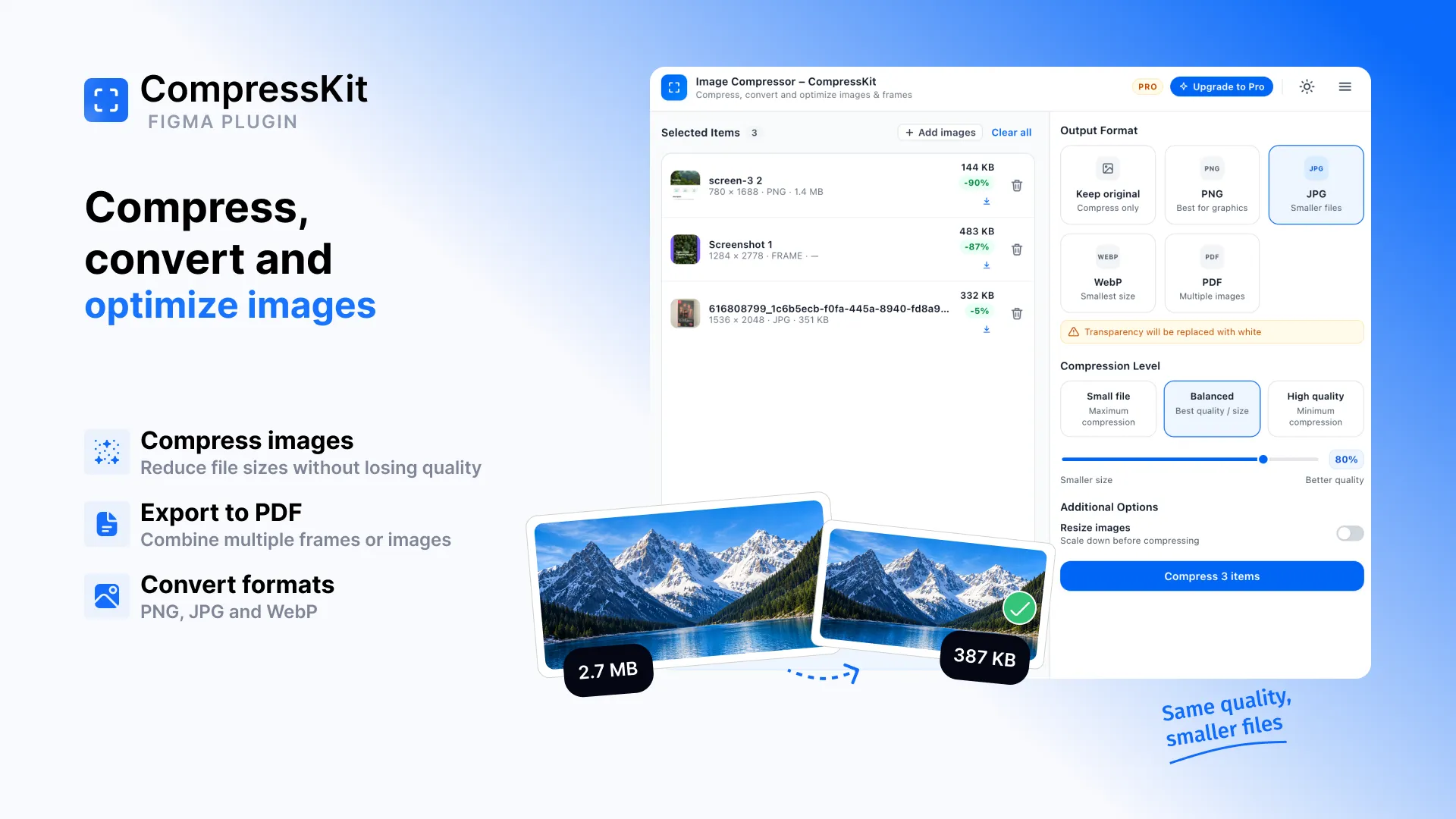
How to Compress Images in Figma
Large images can quickly make exports heavier than they need to be. But compressing them often means exporting from Figma, opening another tool, compressing the files, and bringing them back into your workflow.
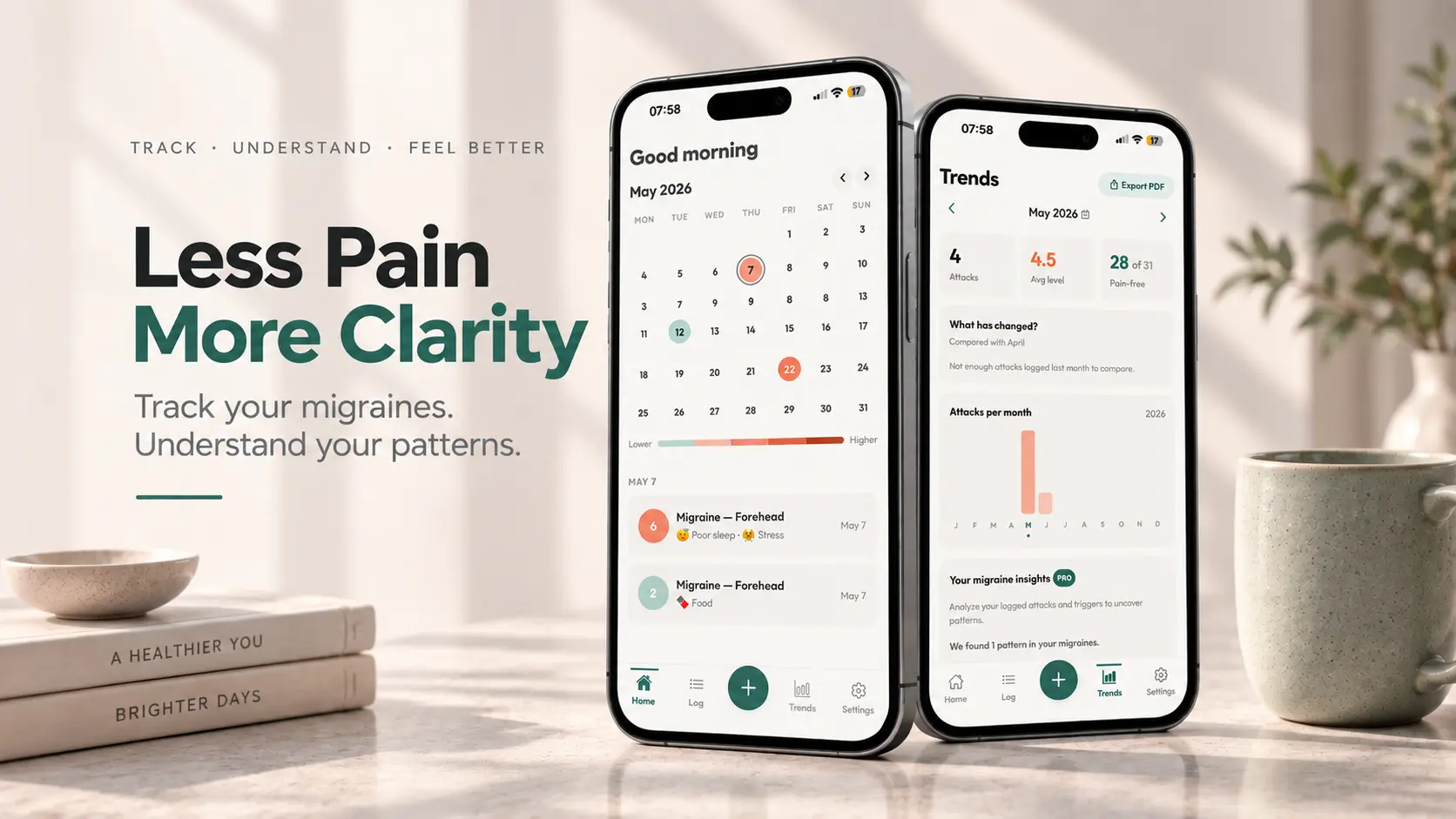
Migraine Tracker App: Understand Your Headache Patterns
Track headaches, migraine triggers and patterns with a simple migraine diary app.
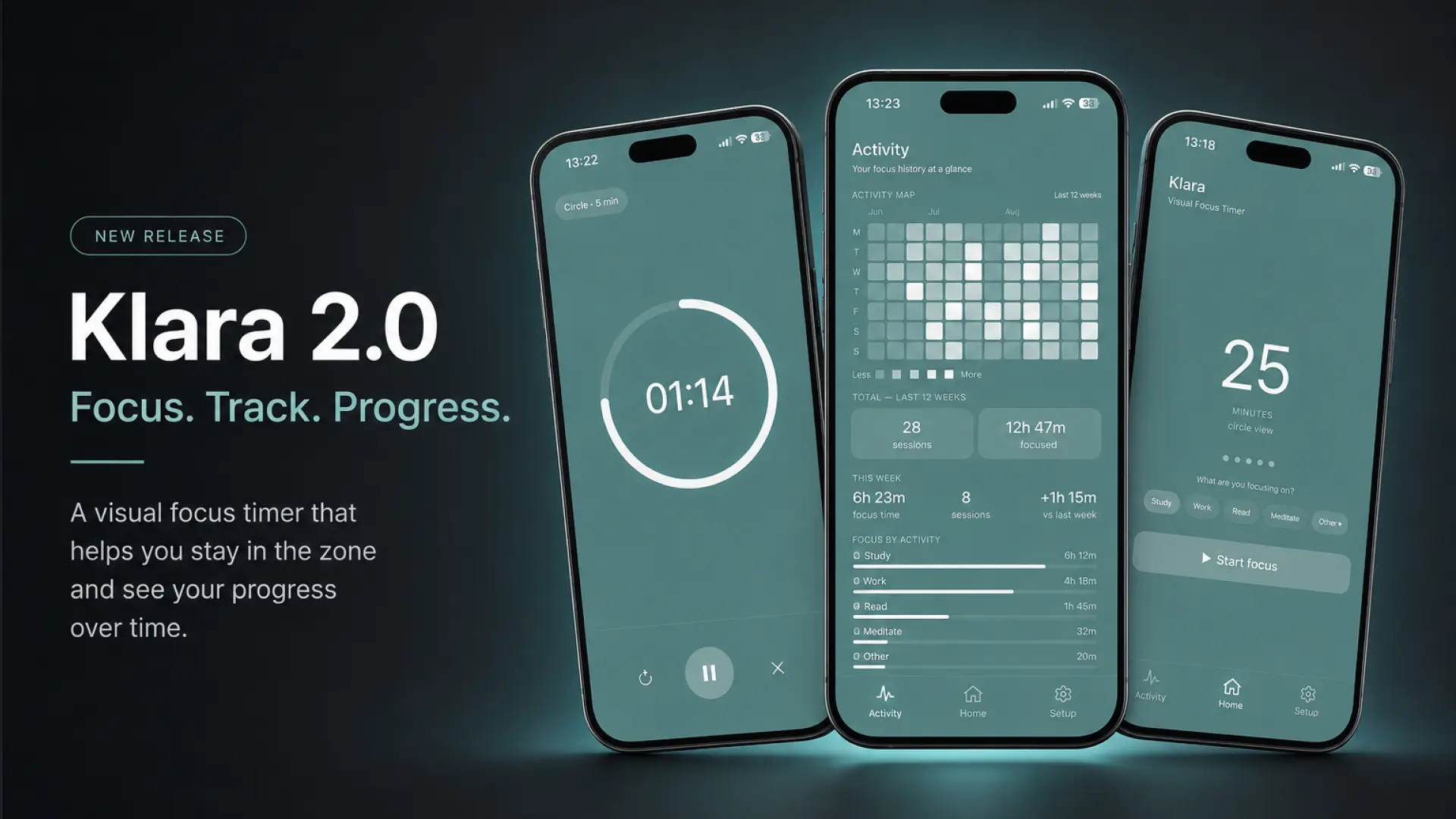
Klara 2.0: A Focus Timer That Tracks Your Progress
Klara 2.0 brings focus tracking to Klara's visual focus timer for iPhone — see your Activity Map, focus categories and recent session history, all stored locally on your device.
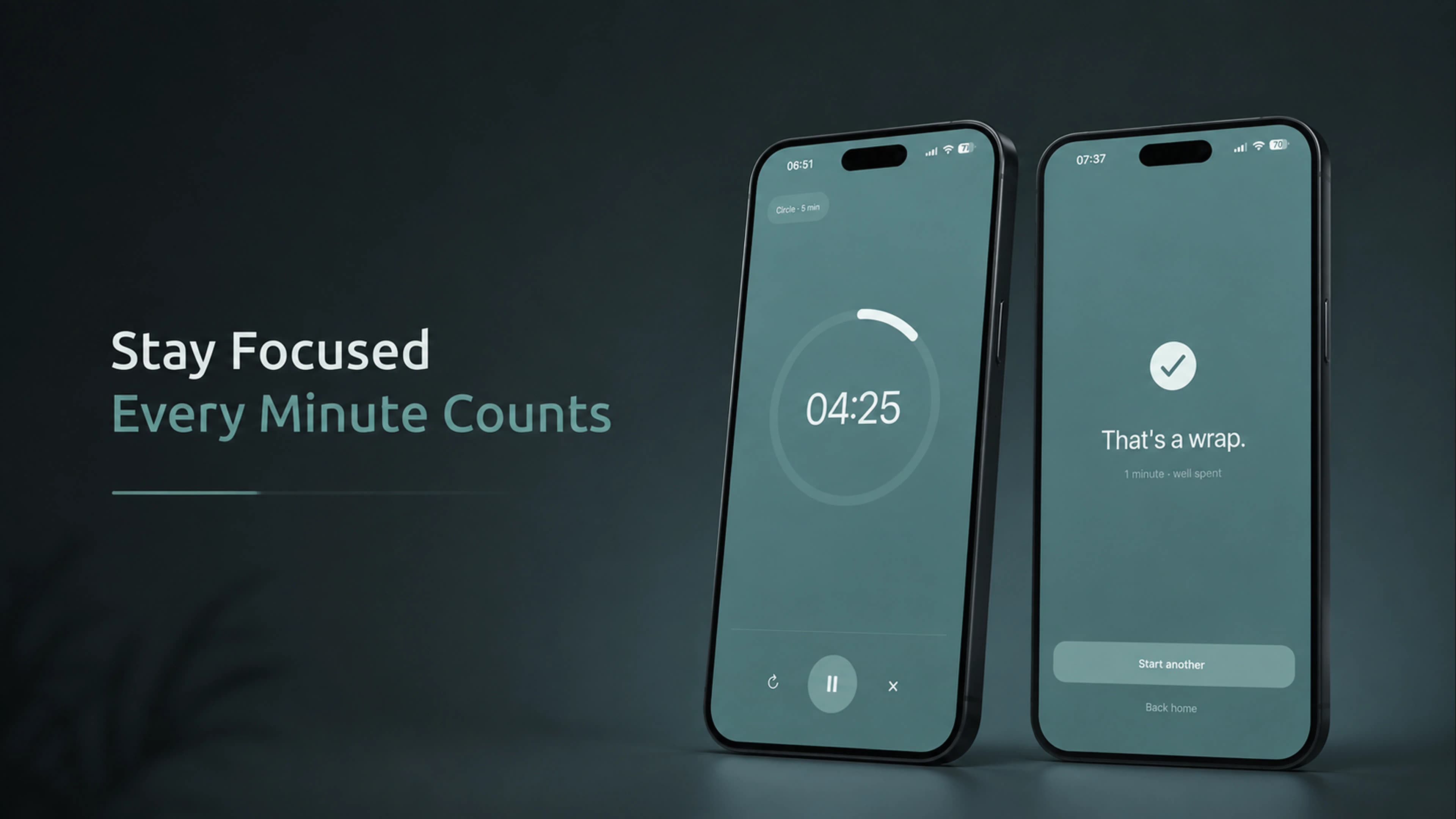
Visual Timer App: A Simple Way to See Your Focus Time
Learn how visual timer apps work, how to use a timer for focus and study, and what to look for when choosing a simple focus timer for iPhone.
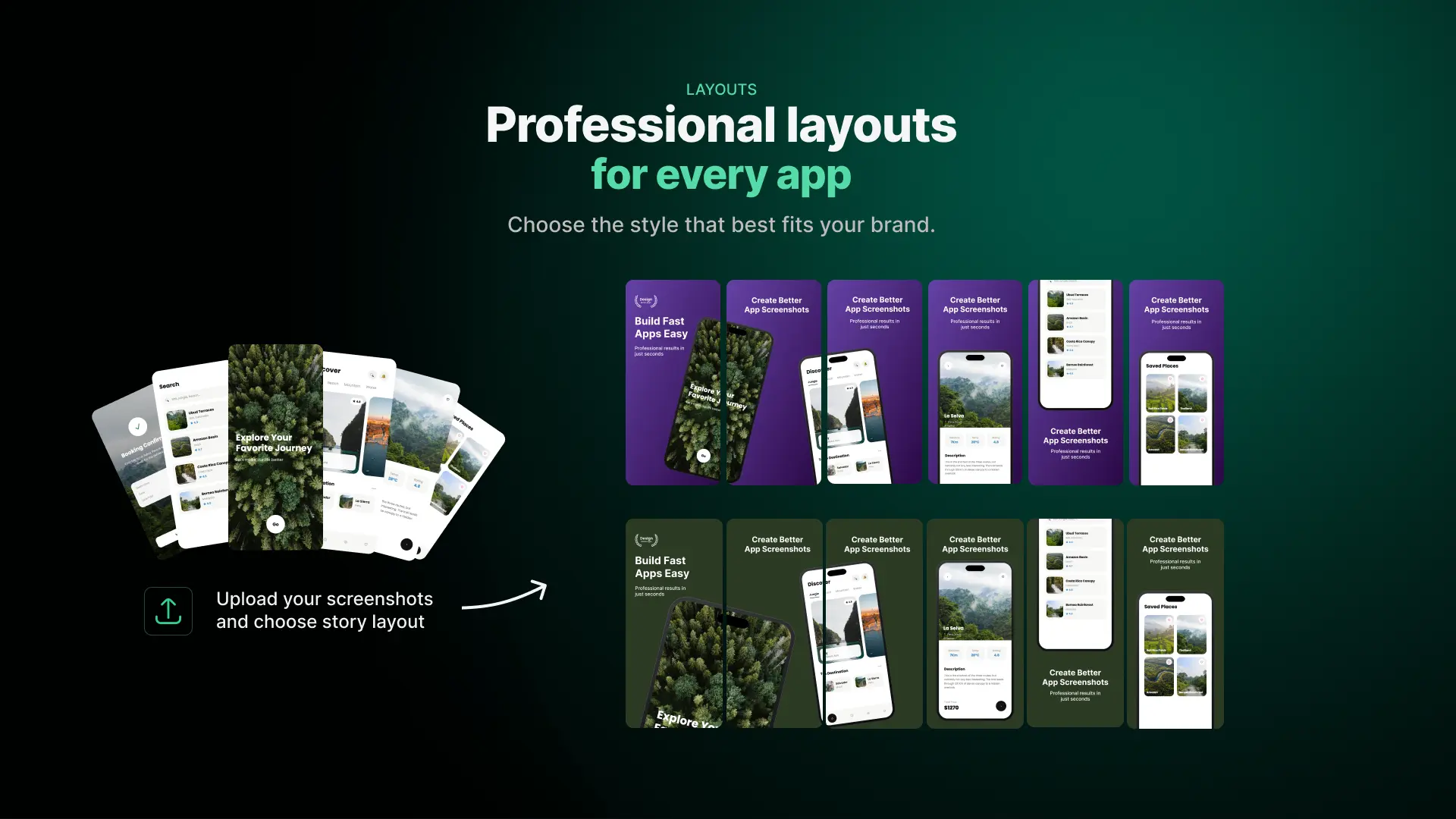
How to Create App Store Screenshots in Figma
Creating a complete App Store screenshot set manually can involve repeating the same layout, device and background work across multiple screens. App Store Screenshot Studio simplifies this process directly inside Figma. Upload your app screenshots, choose a Story Layout and background, and generate a complete screenshot story in seconds. In this guide, we'll walk through the actual workflow.