 Figma Plugin
FramezyPop – Frames to PDF for Figma
Turn selected Figma frames, images and design elements into one beautiful, multi-page PDF. Fast, simple and customizable.
Coming Soon to Figma Community
See how it works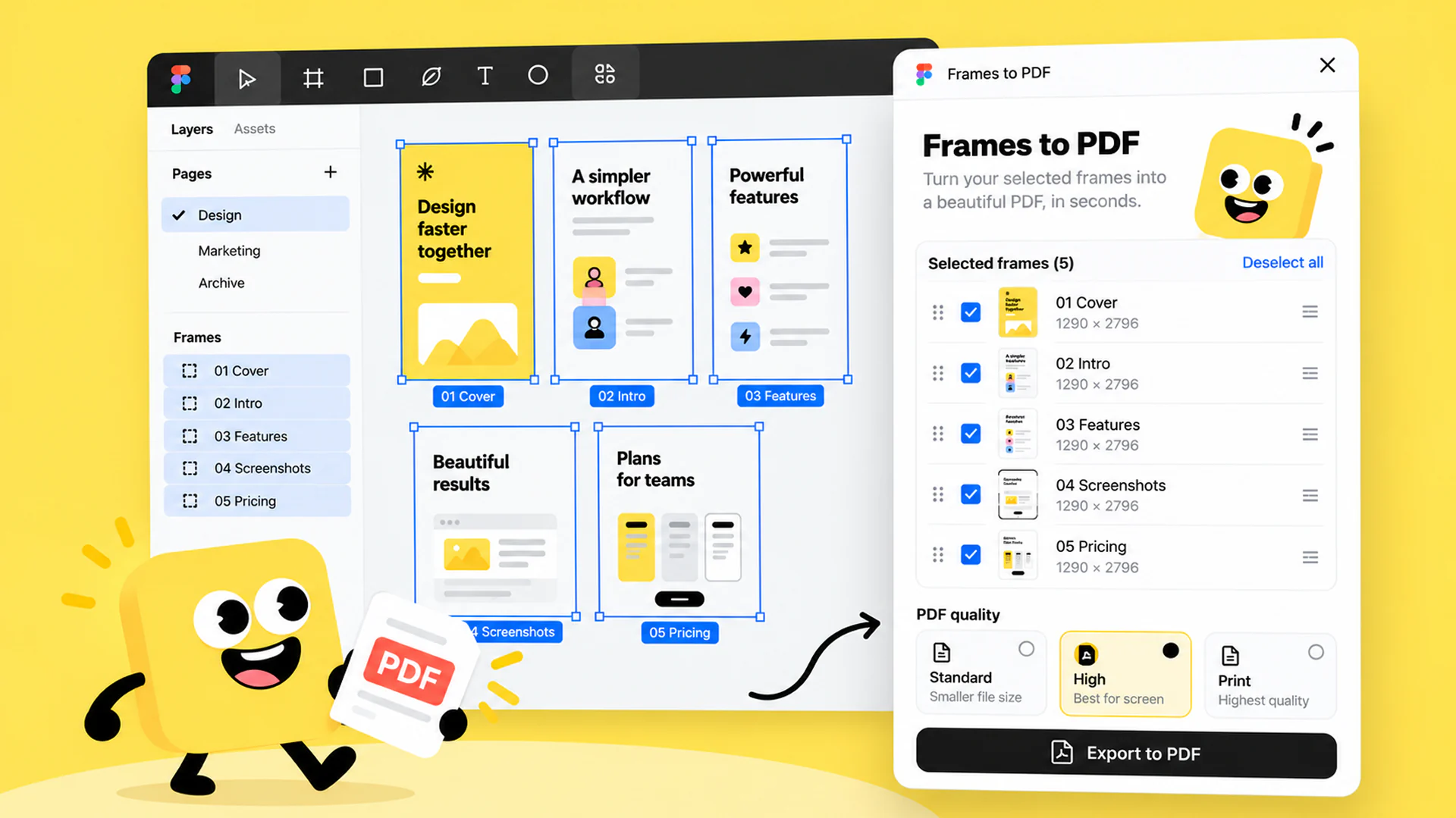
Export Multiple Figma Frames to PDF
Need to share a design as a single document? FramezyPop is a simple Figma to PDF plugin that turns your selection into one multi-page file, ready for presentations, portfolios, proposals and client reviews.
Select what you want to export, set the page order, choose a page size and PDF quality, and download everything as one PDF.
Key Features
Export multiple frames to PDF, your way
Export Multiple Frames
Combine selected Figma frames into one multi-page PDF.
Drag & Drop Page Order
Arrange PDF pages in your preferred order.
PDF Quality Options
Choose Standard, High or Print quality.
Flexible Page Sizes
Export using original dimensions, A4 or US Letter with portrait or landscape orientation.
More Than Frames
Support for frames, components, instances, groups and rectangles.
Light & Dark Mode
A clean interface that adapts to your Figma workspace.
How It Works
Export your Figma frames to PDF in three simple steps.
Select
Select the frames or supported objects you want to export.
Customize
Reorder pages and choose your page size and PDF quality.
Export
Download everything as one multi-page PDF.
Frequently Asked Questions
More Figma Plugins
Other small tools from Code By Nordic for working faster in Figma.
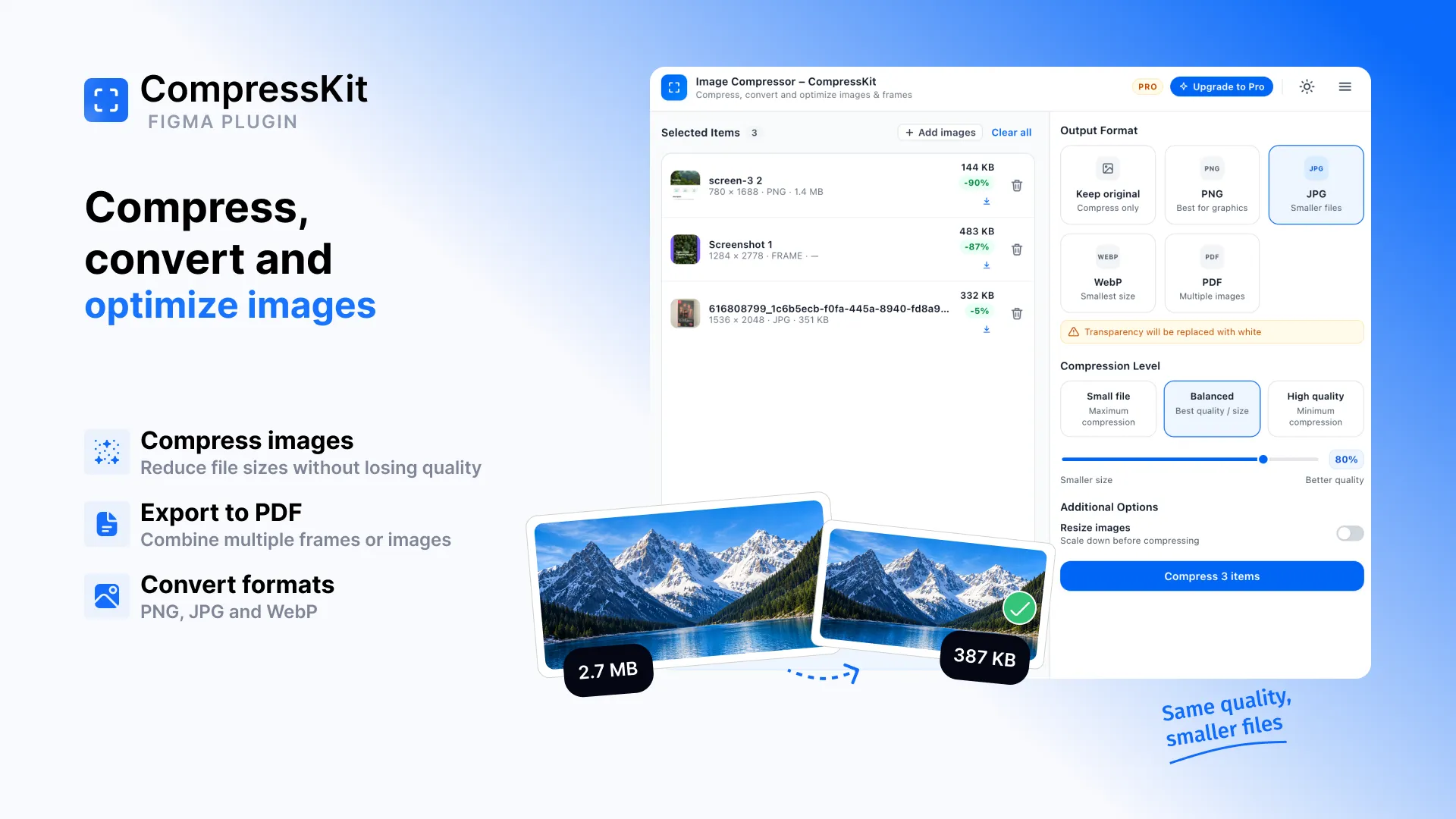





Export Figma Frames to One PDF
Select your frames, set the page order and download one multi-page PDF.
Coming Soon to Figma Community