App Store Screenshot Studio
App Store Screenshot Generator for Figma
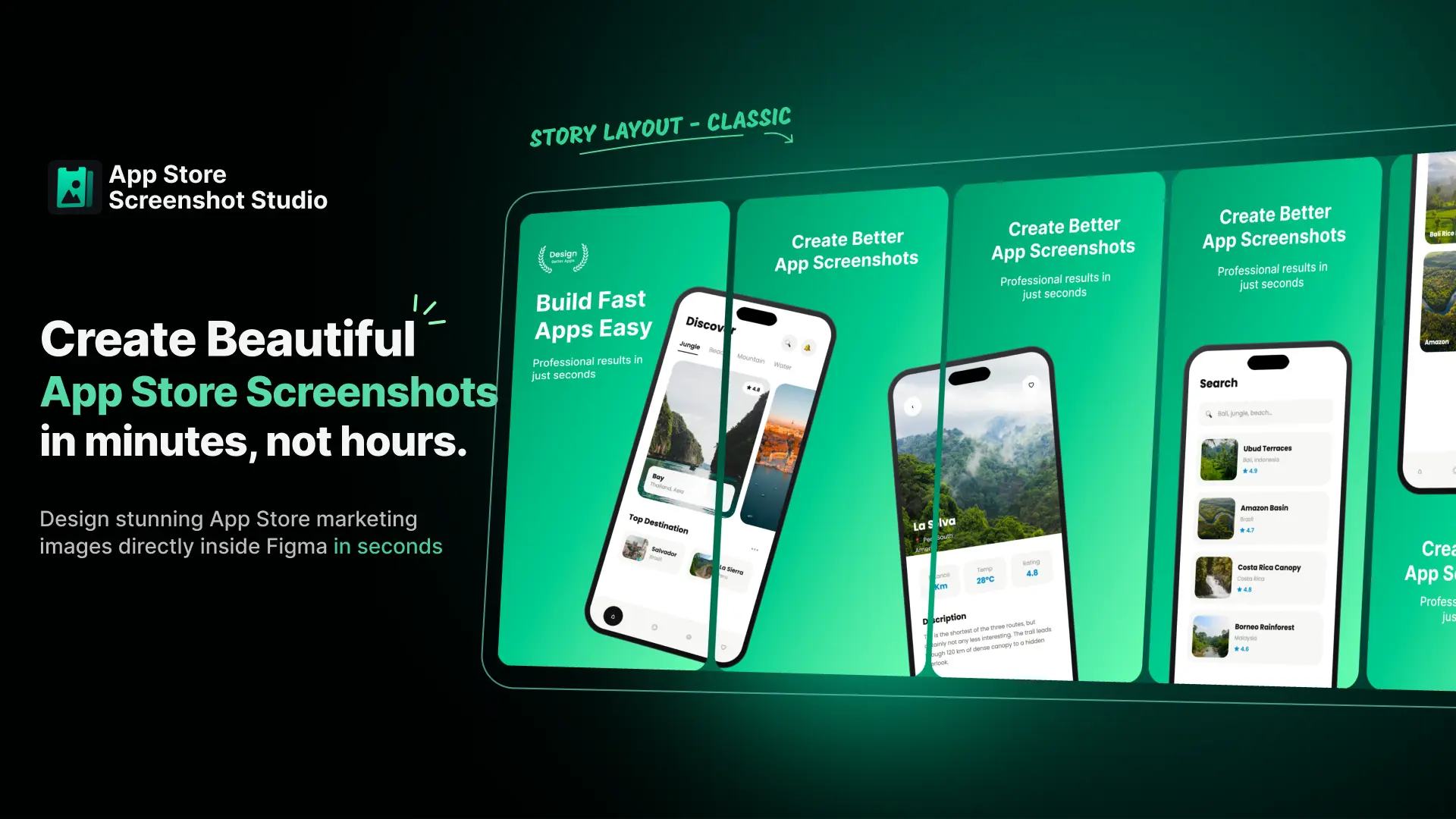
Create professional App Store screenshots directly in Figma. Turn up to 6 raw app screenshots into a complete, store-ready screenshot set in seconds.
Create App Store Screenshots Directly in Figma
Creating App Store screenshots manually in Figma is slow and repetitive. App Store Screenshot Studio automates the process by turning your raw app screenshots into polished, store-ready designs directly on your Figma canvas.
Doing it by hand means placing each screenshot in a device frame, masking it, aligning it, setting the headline, matching the background, and repeating ten times. Change one thing and you do it all again — App Store Screenshot Studio does the whole set at once. Upload up to 6 screenshots, choose a layout, pick a background, and it generates finished, correctly sized store assets directly on your Figma canvas.
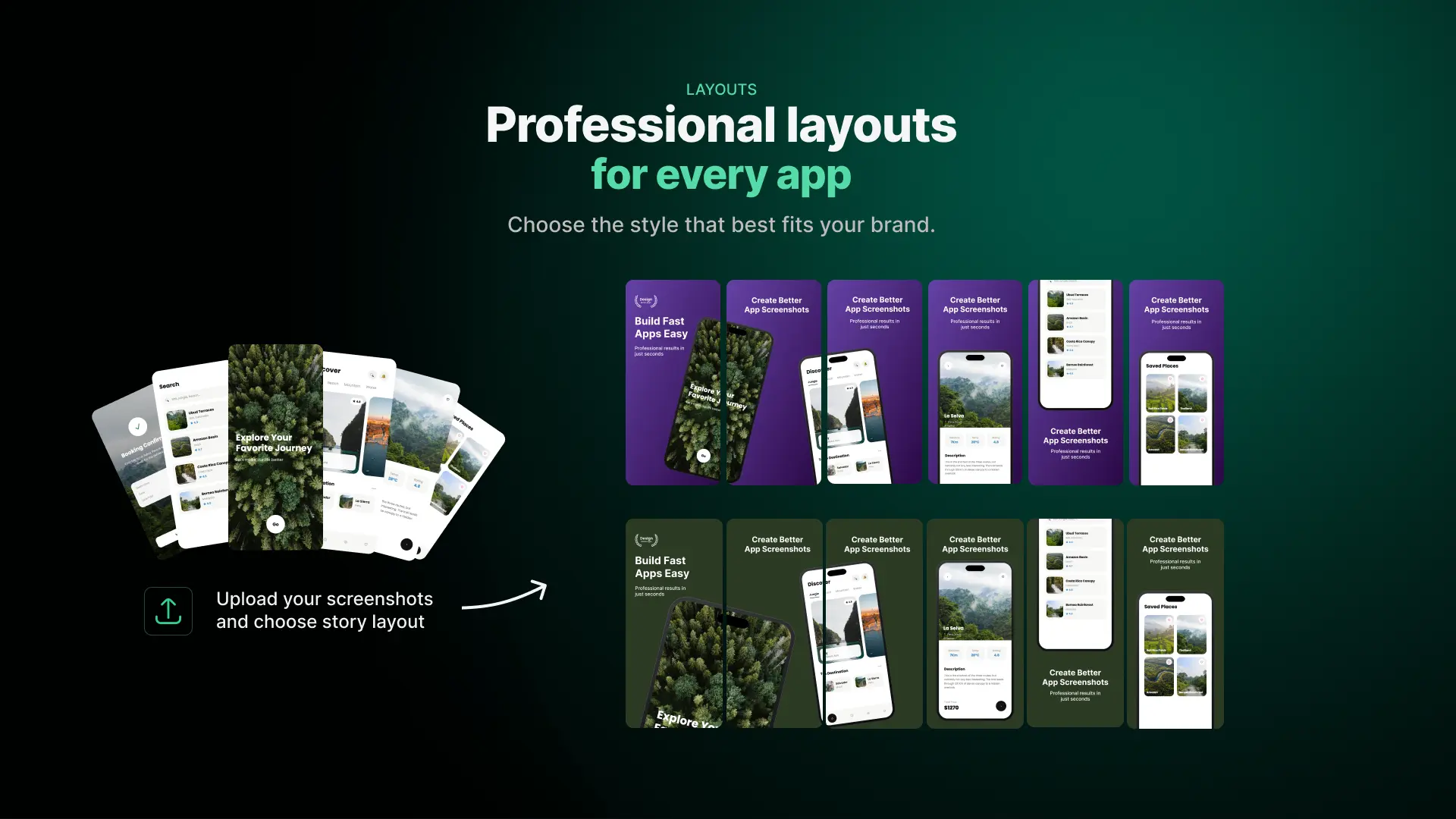
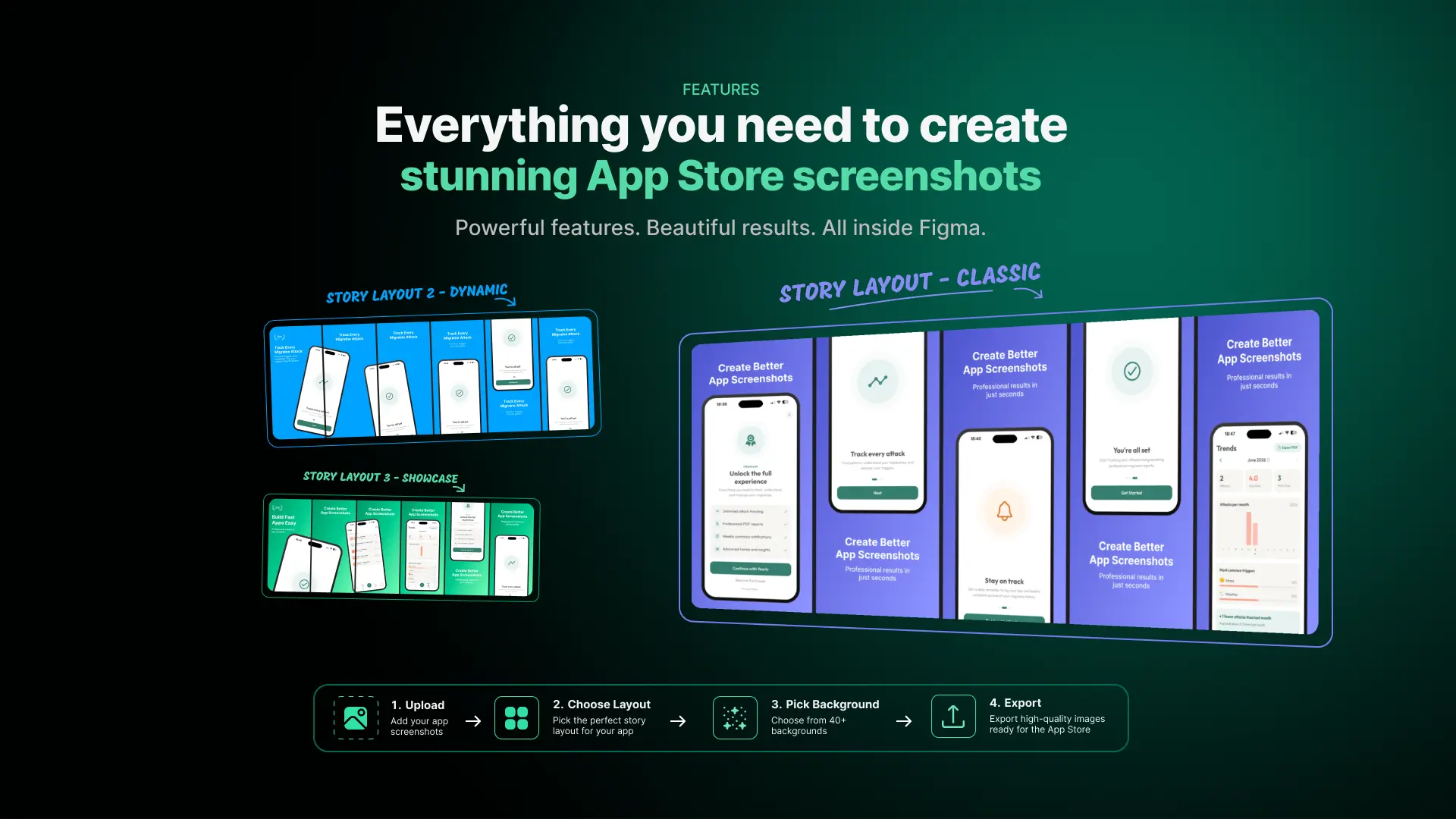
Two layout modes cover the two ways people design store listings. Story Layout staggers the device positions across the set so the screenshots read as a sequence when someone scrolls the listing. Same Layout keeps every frame identical for a clean, uniform look.
Everything stays editable. Headlines, background colours, patterns and device placement are all yours to adjust after generating — the plugin gives you a finished starting point, not a locked-down export. Try it free — 3 generations on us, then upgrade to Pro for unlimited everything.
Key Features
- Generate a Full App Store Screenshot SetUpload up to 6 screenshots and generate the entire store listing at once, correctly sized and aligned.
- Story & Same LayoutStagger device positions across the set so it reads as a sequence, or keep every frame identical for a uniform look.
- App Store Screenshot Templates & BackgroundsA full library of templates, background styles and patterns — no design work needed to get something that looks intentional.
- Fully Editable in FigmaHeadlines, colours, patterns and device placement stay fully editable on your canvas. The output is a starting point, not a locked export.
- Correct App Store DimensionsOutput matches App Store requirements, so assets are ready for App Store use without manual resizing.
- Private, Local ProcessingScreenshots are processed locally inside Figma and never uploaded to a server.
How to Create App Store Screenshots in Figma
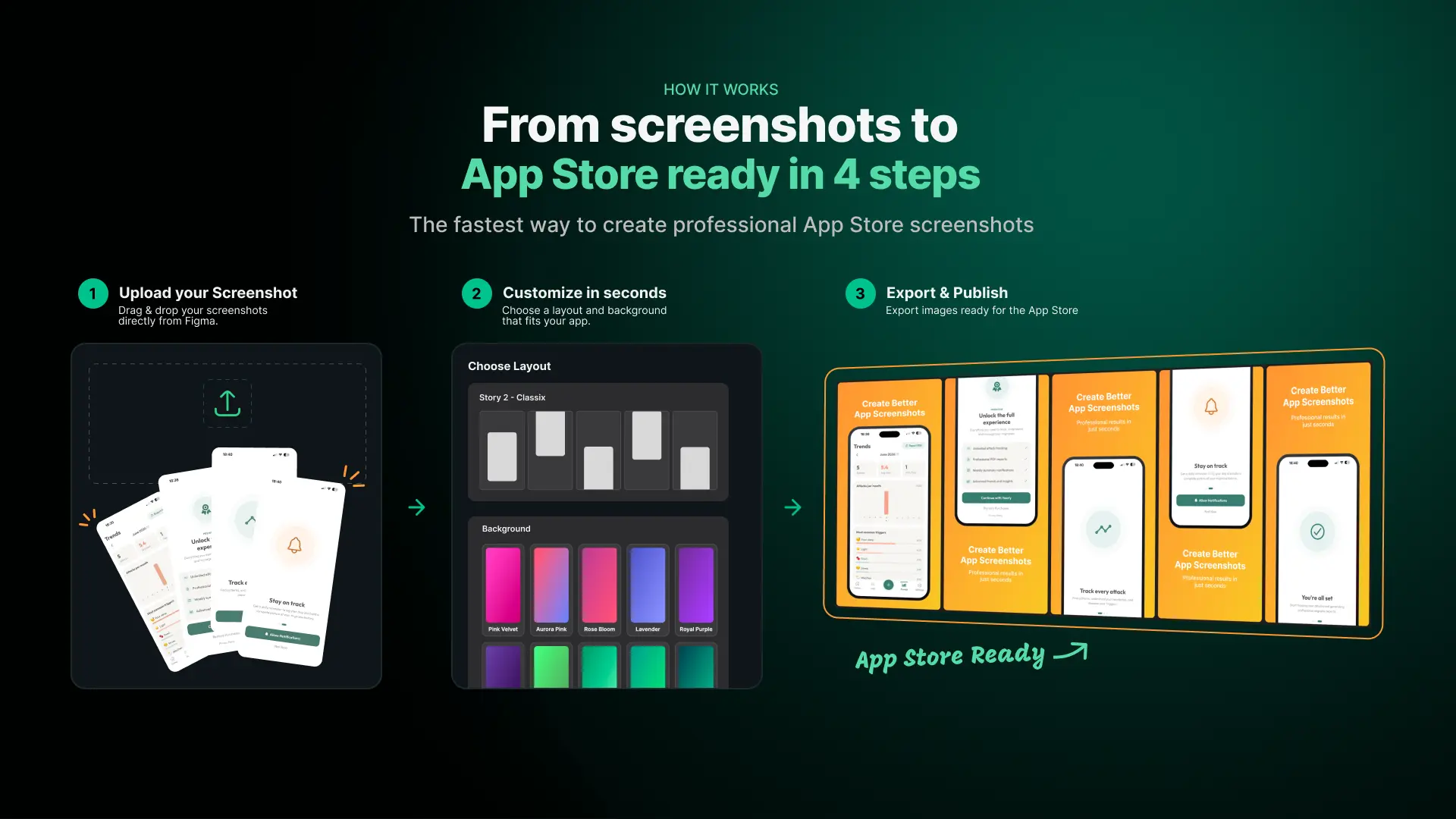
Upload your screenshots
Upload up to 6 screenshots from your app.
Choose your design
Select a device, template, background and Story or Same Layout.
Generate your screenshot set
Generate the complete App Store screenshot set directly on your Figma canvas.
Customize in Figma
Edit headlines, colors, backgrounds and device placement before exporting.
Generated in Figma. Fully Editable.
Unlike screenshot generators that only give you a finished image, App Store Screenshot Studio creates the designs directly on your Figma canvas.
Adjust headlines, colors, backgrounds, patterns and device placement after generating.
Pricing
Try everything
- 3 free generations
- All templates and layouts
- No account needed
- Or $4.99 billed monthly
- Unlimited everything
- Every template, layout and background
- License works on 3 devices
- Cancel anytime
Subscription handled securely via Lemon Squeezy. License key delivered instantly after purchase.